Play with fewer steps
The main button, backup button, and game window are all easy to find on the first screen.
This is a direct entrance for the MCJS browser version. You can open the game in the current window, switch to a backup new-window mode, and quickly read guides for commands, controls, and command blocks if you need help.
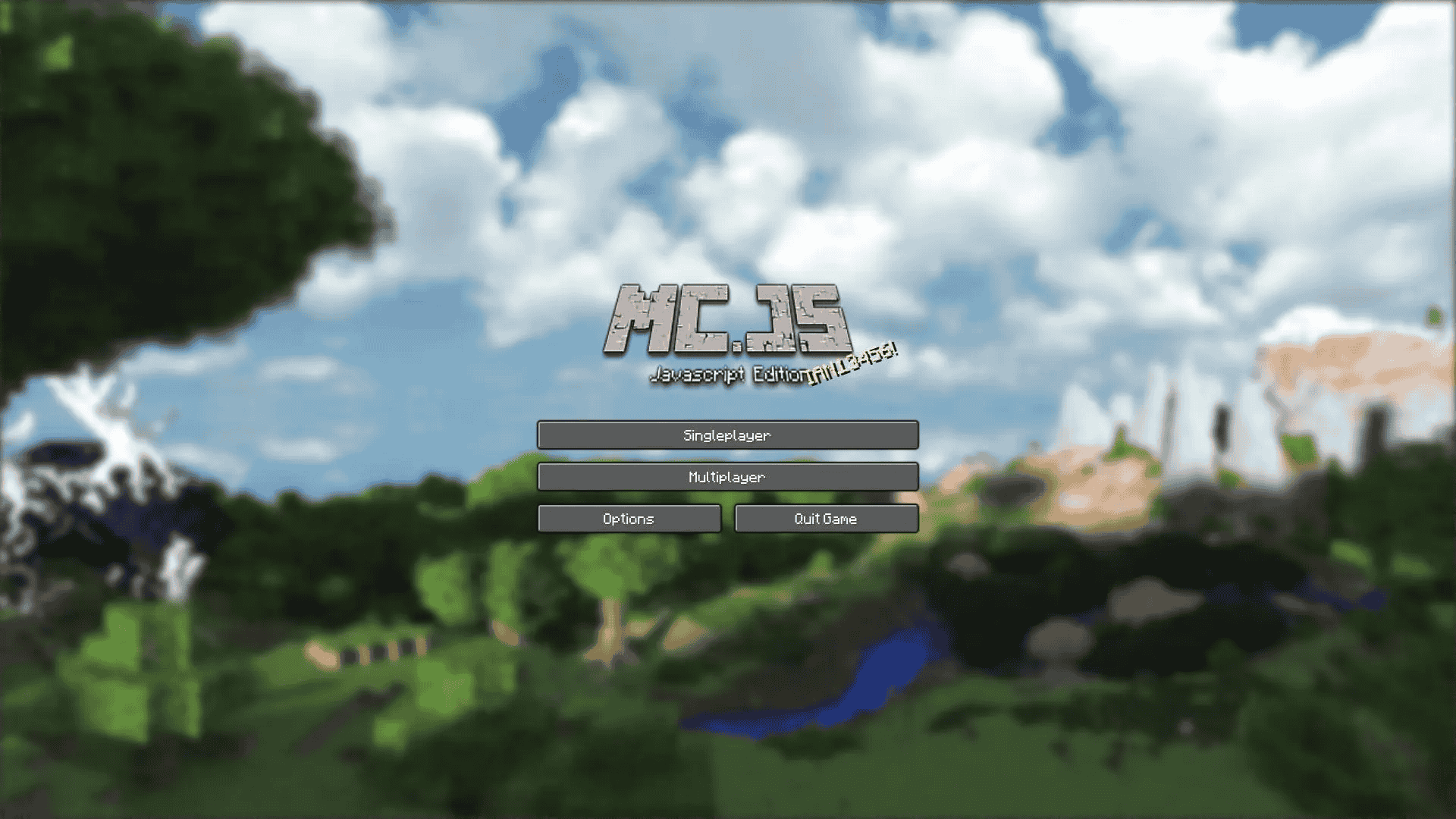
The page is organized around what players actually want to do first: open the game, fix launch issues, or check a guide quickly.
The main button, backup button, and game window are all easy to find on the first screen.
Command guides, command block tutorials, and control instructions are close to the main entrance.
The page keeps the game feeling, but the layout is cleaner and easier to scan than before.
If you want to look up commands, controls, or command blocks, these are the fastest places to start.
Quick command references for survival mode, teleporting, weather control, and more.
Learn how to get command blocks, where to enter code, and how command logic works.
Useful if you are opening the browser version for the first time on mobile or desktop.
Quick answers before you jump in.
No. This page is designed as a browser entrance, so you can try opening the game directly.
Use the new-window launch button. It is the backup option for browsers or devices that limit embedded windows.
Yes, but if loading is slow or touch controls feel unstable, the new-window mode is usually the better choice.